Cryopng - advanced "dirty transparency" cleaning
Advanced PNG optimization program
Status: Beta
Brought to you by:
cosmin

Cryopng is OptiPNG with a dirty hack at the libpng level to actually perform a kind of advanced "Dirty Transparency" cleaning.
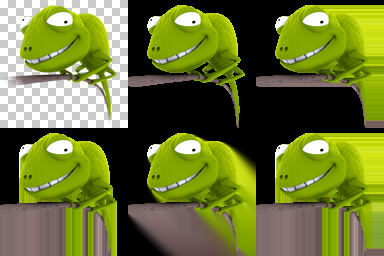
Fully transparent pixels could have any RGB component since they are actually invisible,so they are turned black (0,0,0) to improve compression. A few tools have since implemented this trick (PunyPNG, PngOptimizer, ImageOptim...), but if you look closely at the PNG specifications you'll notice that images are filtered before being compressed. Cryopng turns fully transparent pixels into something that will be nullified once filtered, and this can positively affect compression.
This is from author's thread some, long, time ago, but I found it interesting and worth have a look at.
I understand idea though don't get the code, specially it's done at the libpng level. Still wort consideration as optional 'post-processor', or 'post-filter'.
Source (optipng2cryopng075.tgz) is replaceing files in optipng-0.7.5. I put a diff here, for convenience.
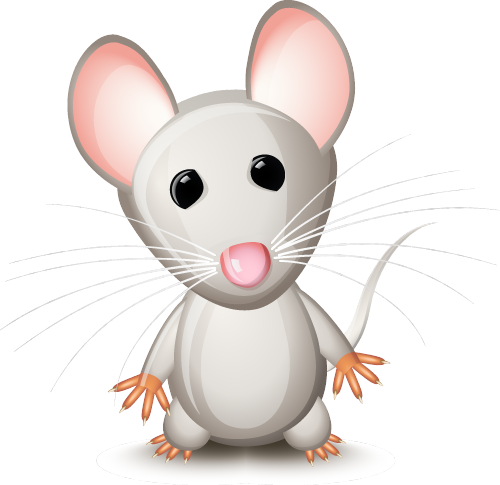
For instance the following mouse sample image used by PunyPNG (sizes in bytes):
228,066 Original
111,945 PunyPNG
105,035 Cryogen-x (cryopng script, also uses PNGOUT and DeflOpt)
For illustration purposes: