
 Download
Installation Note: After copying the Turbo C++ folder to Applications, please right-click on the TurboC app in the Turbo C++ folder in Applications and select "Open". This needs to be done only when you launch the application for the first time.
Special thanks to Manav Aggarwal & Ananay Arora for testing.
Project Samples


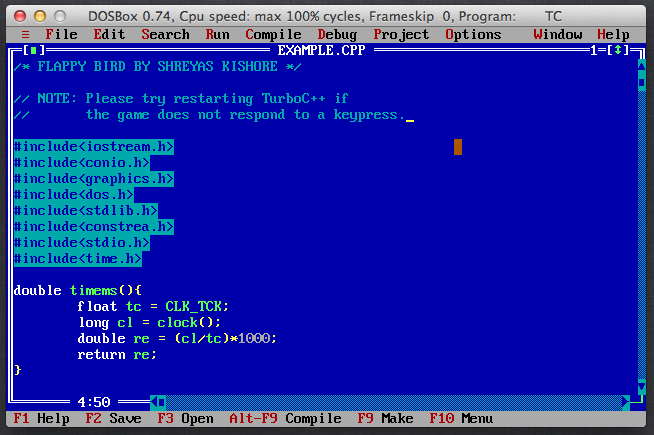
Follow Turbo C++ for Mac OS X
Other Useful Business Software
Simplify Purchasing For Your Business
Simplify every aspect of buying for your business in Order.co. From sourcing products to scaling purchasing across locations to automating your AP and approvals workstreams, Order.co is the platform of choice for growing businesses.
Rate This Project
Login To Rate This Project
User Reviews
-
could be nice than before

