Snagit
Capture. Create. Connect.
TechSmith Snagit is a powerful screen capture and recording tool that makes it easier than ever to collect and share information. With intuitive editing features and access to a library of templates, anyone can transform simple captures into professional-quality images, GIFs, and videos.
Share information like never before
Snagit lets you quickly capture your screen and camera at the same time and instantly share your video anywhere. Give status updates, deliver feedback, or demonstrate a process without a meeting, call, or long email.
Bring your ideas to life
Adding context to your screen captures is a breeze with Snagit's full suite of easy-to-use editing tools. Redact sensitive information, rearrange objects, and even draw on your screen while you record a video.
Work and share from anywhere
Instantly share your images, videos, and GIFs via the apps you already use every day.
Learn more
Savvyshot
Whether you're reporting bugs, creating documentation, or capturing the perfect moment, Savvyshot ensures every screenshot looks its best. Designed with performance, speed, and versatility in mind, it's built to meet the needs of both MacOS and Windows users.
Here’s how it enhances your workflow:
✨ One-Click Screenshots: Capture any region, window, or your entire display instantly with a simple keystroke.
🖼️ Effortless Editing: Import your existing screenshots for quick edits and touch-ups.
📐 Customizable Layouts: Adjust padding, shadows, borders, and aspect ratios to create the perfect look.
🎨 Background Options: Enhance visuals with preset backgrounds, gradients, or custom images.
✏️ Powerful Annotation Tools: Add shapes, lines, arrows, and text to highlight key details.
🔒 Privacy First: All screenshots stay securely on your device—nothing is uploaded.
⚡ Optimized Speed: Built for fast performance to keep up with your workflow.
Learn more
SnipSVG
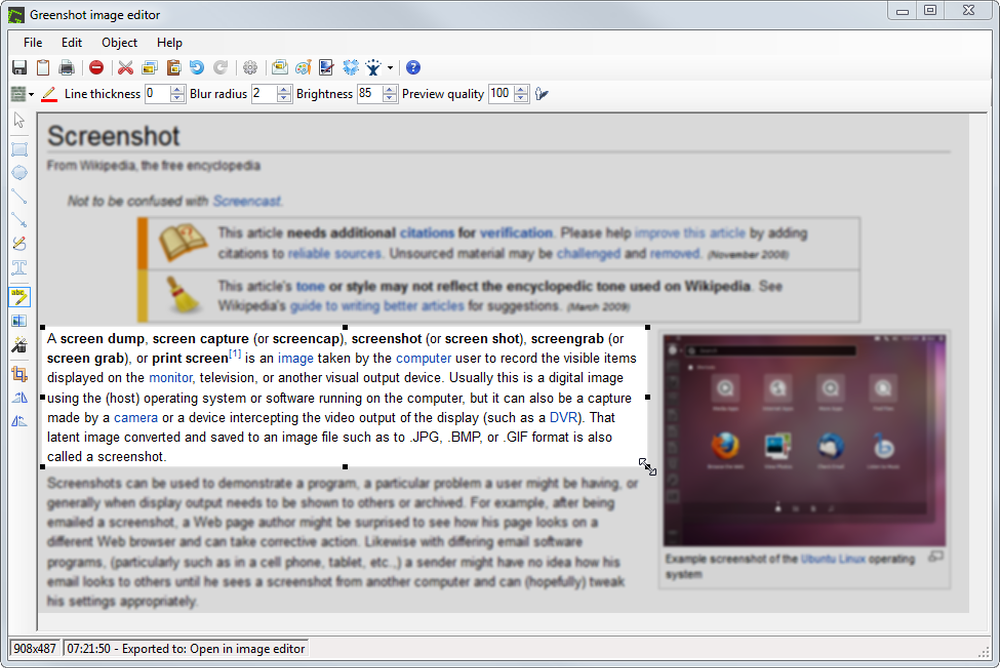
SnipSVG is a screen capture and graphics editor that uses SVG vector images as its primary format.
It is designed to be really simple to use and very fast. Plenty of clever helper functions such as auto-remembered styling and a favorites gallery deliver stunning results with just a few mouse clicks.
When you look a bit deeper, however, you notice that SnipSVG contains a wide range of powerful image editing tools that you don't find in other screen capture applications. Crop screenshots, blur sensitive information, physically resize large photos, add HTML-formatted text.
SnipSVG is free and available for both Windows and macOS. It's a must-have for every IT worker on both platforms.
Learn more
ShareX
ShareX is a free and open source program that lets you capture or record any area of your screen and share it with a single press of a key. It also allows uploading images, text or other types of files to many supported destinations you can choose from. Every time you take a screenshot, the image effect will be automatically applied to the screenshot. ShareX is written using C# programming language and .NET Framework. At present, the .NET technologies we utilise are only supported in Windows, and it is not possible for us to make it multi platform. There is a way to make software written using .NET Framework to work in Linux and Mac using Mono but it is not possible for ShareX to run using Mono because of hundreds of native calls, UI, external libraries and countless unsupported methods.
Learn more